
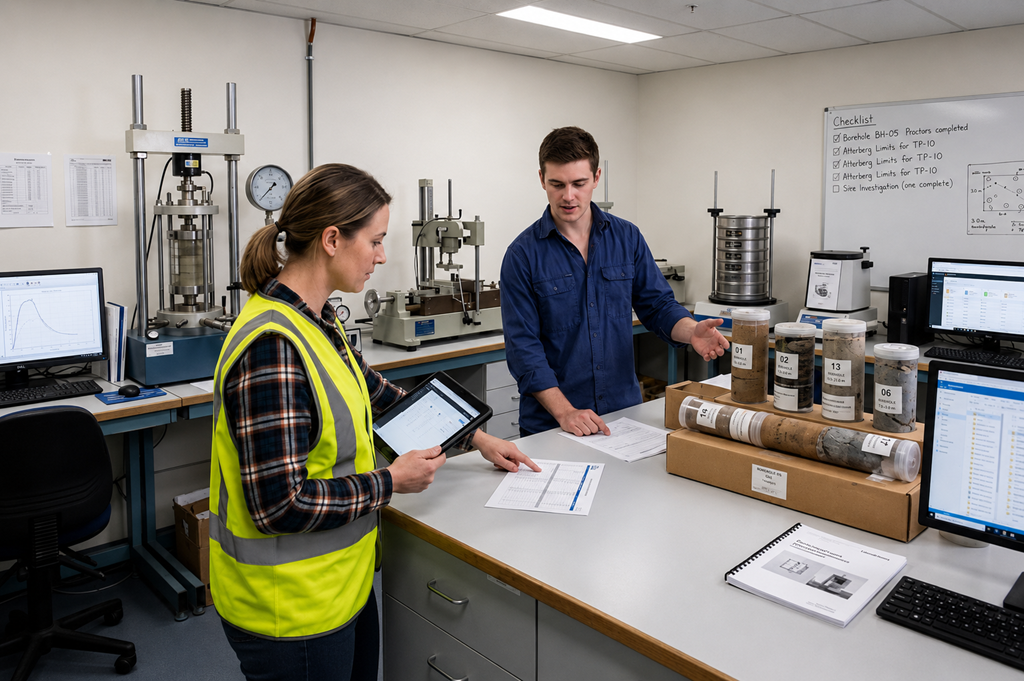
Friday afternoon. Someone on the project asks a question that should be simple: Which test result is final?
Nobody points to one screen and answers it. Someone opens SharePoint and finds final_v3 — and final_v3_revised. Someone else pulls conditions from an email thread that may not match the PDF in the folder. The schedule lives in Excel, edited yesterday by a colleague who never re-sent the attachment. The same SI programme, four slightly different stories.
That reconciliation is still normal on many geotechnical site-investigation jobs. It does not have to be.
How files multiply without a shared platform
On a typical SI lab programme, work moves through familiar stages: scope and schedule, boreholes and samples, assigned tests, conditions and approvals, conduction, then results and reporting.
Without a unified workflow, each stage tends to leave artefacts in different tools — and each tool breeds its own version:
- Schedules sit in Excel or a PDF annex, emailed as copies so each party keeps their own file.
- Samples and chain of custody move via paper forms, SharePoint folders, or Media Shuttle drops — often alongside parallel email confirmations.
- Test assignments go out on a schedule sheet plus email, without a single enforced confirm or reject that everyone can see.
- Conditions and approvals scatter across threads, PDF markups, and meeting notes — each with its own “latest” attachment.
- Results and AGS files land as file drops with names like
final,final_v3, andfinal_v3_revised, approved by “looks good” email. - Oversight depends on someone manually comparing folders, inboxes, and spreadsheets before the next progress meeting.
None of that is unusual. Excel, email, SharePoint, and Media Shuttle are tools people already trust. The problem is that they do not connect into one geotechnical lab single source of truth for the job.
Where version chaos breaks the programme
The break is not that people are careless. It is that “final” is negotiated after the fact.
A developer or client needs confidence that decisions and results reflect what was agreed. A contractor needs to know which schedule and which conditions govern the work today. A laboratory needs clear, current assignments — not a conditions PDF that contradicts last week’s email. A consultant needs a shared baseline before interpreting results or defending a position in a dispute.
When each role works from their own folder and inbox, the programme produces parallel truths. Reconciliation becomes the workflow: compare files, chase clarifications, book alignment calls, rename attachments, send another “please use this one.”
Poor version control also weakens traceability. Who approved which conditions? When did the schedule change? Which AGS file was signed off? If the answer lives only in a thread or a folder name, reconstructing the chain later is slow — and sometimes impossible.
The same stage, with one shared truth
LabHarmony is built for geotechnical SI laboratory workflows — not as another file drop, but as one place where the programme is visible and current for permitted stakeholders.
In that model, the journey stays familiar: project and contracted experiments, boreholes and samples, assign tests (draft → confirm or reject), set and approve conditions when required, conduct tests with hold or resume, submit and approve results. What changes is how information is shared and updated.
- One platform, one truth — developers, labs, contractors, and consultants work from the same real-time picture instead of versioned attachments.
- Live project status — test progress, approvals, sample status, and conditions reflect workflow actions as they happen.
- Full traceability — assignments, condition changes, and approvals are recorded as actions, with chain of custody supporting data integrity.
- Shared results — submission and approval happen in the platform, reducing the
final_v3folder archaeology that email and SharePoint encourage.
The Friday question — Which test result is final? — becomes a look at the current approved record, not a file comparison exercise.
Who benefits when versions stop multiplying
| Role | What improves |
|---|---|
| Infrastructure developers / clients | Clearer confidence in agreed conditions, schedules, and approved results |
| SI contractors | Coordination around one current schedule and assignment set — less time reconciling copies |
| Laboratories | Clearer assignments and conditions — fewer “which PDF do I follow?” messages |
| Consultants | A shared baseline and stronger auditability before and after results land |
Clarity does not remove professional judgement. It removes the tax of rebuilding truth from Excel, email, SharePoint, and Media Shuttle every week.
Soft next step
If your SI programme still depends on folder names and inbox threads to decide what is final, see how one shared workflow looks on a real job. [Request a demo] — free, no pressure.